🛍️ Etsy Shop
💻 Digital Products
💰 Side Hustle
🎨 Canva
The Only 5 Digital Products Worth Selling on Etsy Right Now in the Second Half of 2026 — And How to Create Them for Free 🛍️💻
📅 August 2026·
☕ 13 min read·
✍️ Etsy · Digital Products · Side Hustle · Canva
Second Half of 2026 · Proven Categories · Zero Startup Cost
You Do Not Need Inventory.
You Do Not Need Shipping.
You Need These 5 Product Types.
Digital products are the highest-margin, lowest-risk category on all of Etsy — you design once and sell infinitely with zero shipping, zero inventory, and zero restocking. Here are the exact 5 categories still converting right now, with real examples from my own shop and exactly how to create each one for free. 🛍️💻
∞Times you can resell each one
100%Profit margin after design
Digital products are, without question, the best margin business model on all of Etsy. You are not paying for materials. You are not paying for shipping. You are not sitting on unsold inventory taking up space in a spare bedroom. You design a file one time — a planner, a template, a piece of wall art — and Etsy sells it for you infinitely, every single hour of every single day, without you lifting another finger.
I run my own Etsy shop, EditsPrintables, and every product category I am about to walk you through is something I have personally designed, listed, and sold — from a 42-tab wedding planner spreadsheet to tumbler wraps that took an afternoon to design. This is not theoretical advice. This is exactly what is working in my shop right now, in the second half of 2026, and exactly how you can create every single one of these product types for free using tools you probably already have access to. 🛍️✨
🛍️ See These Products in Action
Shop the Real Products
Behind This Entire Guide
Every product category in this post is something I have actually designed and sold in my own Etsy shop. See real listings, real pricing, and real design execution before you build your own version.
📊 Digital planners
🖼️ Printable wall art
🎨 Canva templates
🥤 Tumbler wraps
📚 KDP bundles
🛍️ Shop EditsPrintables on Etsy →
The 5 Digital Products Worth Making Right Now 💻
1
📊 Highest Perceived Value
Digital Planners and Spreadsheets
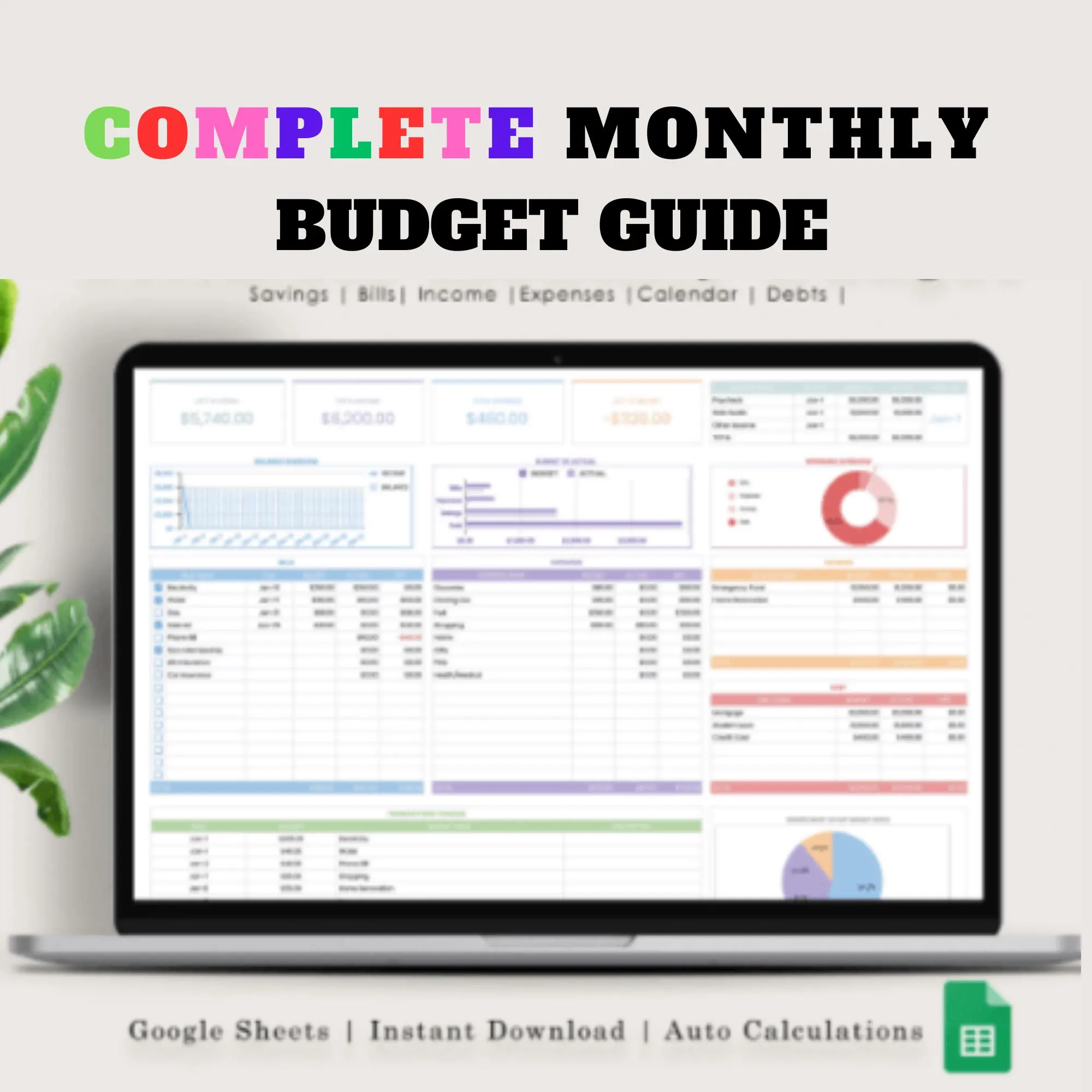
Digital planners remain the single strongest digital product category on Etsy heading into the second half of 2026. Buyers are actively searching for wedding planners, budget planners, meal planners, and business planners because they solve a real organisational problem instantly — and a well-designed multi-tab spreadsheet feels like an enormous amount of value for a price point that is genuinely low-cost for the seller to produce.
$8-25Typical price range
2-6hrsDesign time
HighPerceived value
From my shop
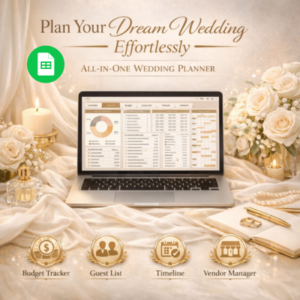
My 42-tab Wedding Planner spreadsheet remains one of my strongest sellers — it includes a full budget tracker, guest list manager, vendor comparison sheets, and a day-of timeline, all built in Google Sheets so buyers can use it instantly without downloading any software.
How to create it for free
–Build the entire structure in Google Sheets — free, cloud-based, and buyers do not need Excel
–Design the cover and section dividers in Canva’s free plan using planner templates as a starting point
–Use conditional formatting and simple formulas to make it feel automated and premium
–Export a PDF instruction guide showing buyers exactly how to make their own copy
See planner examples in EditsPrintables →
2
🖼️ Fastest to Produce
Printable Wall Art
Printable wall art is the fastest digital product to produce and one of the most passively resellable categories on Etsy — a single well-designed piece can be listed in multiple sizes and colourways, multiplying your catalogue without multiplying your design work. Buyers love printables because they can print at home instantly or send the file to a local print shop, getting gallery-style wall art for a fraction of the cost of ordering framed prints online.
$3-12Typical price range
30-60minDesign time
FastProduction speed
From my shop
Simple typography quote prints and boho botanical line art are consistently my fastest movers — I design one core image, then offer it in five different sizes (5×7, 8×10, 11×14, 16×20, 24×36) as separate listing variations without any additional design work.
How to create it for free
–Design in Canva at 300 DPI using the largest print size you plan to offer, then scale down for smaller sizes
–Search Canva’s free elements library for line art, botanical illustrations, and typography styles
–Export as high-resolution PDF or JPG — always test print one copy at home before listing to check colour accuracy
–Create a simple mockup by placing your design inside a free Canva frame mockup template
See wall art examples in EditsPrintables →
3
🎨 Best Recurring Revenue
Canva Templates
Canva templates sell themselves to an audience that is only growing — small business owners, content creators, and social media managers who need professional-looking graphics but do not have design skills or time to build from scratch. You design the template once inside Canva, share it as a shareable “Use Template” link, and buyers get instant editable access without ever needing to download a single file. This is genuinely one of the lowest-friction digital products to deliver.
$5-20Typical price range
1-3hrsDesign time
HighRepeat buyer rate
From my shop
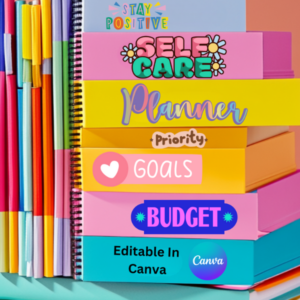
Instagram story templates and small business invoice templates are two of my steadiest Canva template sellers — buyers love that they can rebrand the colours and fonts to match their own business in under five minutes with zero design experience.
How to create it for free
–Design a full template set inside Canva’s free plan — a cohesive colour palette and font pairing across every template in the set
–Use Canva’s “Share a Template Link” feature under the Share menu — this is completely free and is what you deliver to buyers
–Write a simple one-page instruction guide showing buyers how to click the link and make it their own copy
–Create a lifestyle mockup showing the template in use for your Etsy listing thumbnail
See Canva templates in EditsPrintables →
4
🥤 Trending Fastest
Tumbler Wraps
Tumbler wraps are one of the fastest-trending digital product categories in the entire craft and gift niche right now, driven by the massive popularity of Stanley and Starbucks-style tumblers and the DIY sublimation and vinyl crafting community. A tumbler wrap is a single flat digital file designed to fit standard tumbler dimensions — buyers print it themselves on sublimation paper or vinyl and apply it at home. Zero shipping, zero physical product on your end, and an audience that buys these in bulk for gifting.
$2-8Typical price range
30-45minDesign time
TrendingFastest growing niche
From my shop
My seasonal and sports-themed tumbler wraps — World Cup designs, NBA Championship graphics, and holiday-themed sets — consistently see spikes in sales timed to the relevant event, proving how well tumbler wraps respond to trend and seasonal marketing.
How to create it for free
–Design at exact tumbler dimensions in Canva — standard 20oz Skinny wraps are typically 8.9 x 4.4 inches at 300 DPI
–Search trending niches — sports moments, holidays, aesthetic patterns, motivational quotes — for design inspiration
–Export as a print-ready PDF with clear cut lines so buyers know exactly where to trim
–Create a realistic tumbler mockup using Canva’s free mockup frames or a simple photo of a wrapped tumbler
See tumbler wraps in EditsPrintables →
5
📚 Best Long-Term Asset
KDP Bundles (Low Content Books)
Amazon KDP low-content book bundles — journals, planners, activity books, and log books — are a slightly different animal from the other four categories because they sell primarily through Amazon rather than Etsy directly, but bundling KDP-style interiors as an Etsy digital product (for buyers who want to self-publish their own version, or as printable versions) has become a genuinely strong crossover category. It also builds a long-term asset you can repurpose across multiple platforms.
$4-15Typical price range
2-4hrsDesign time per bundle
Multi-useCross-platform asset
From my shop
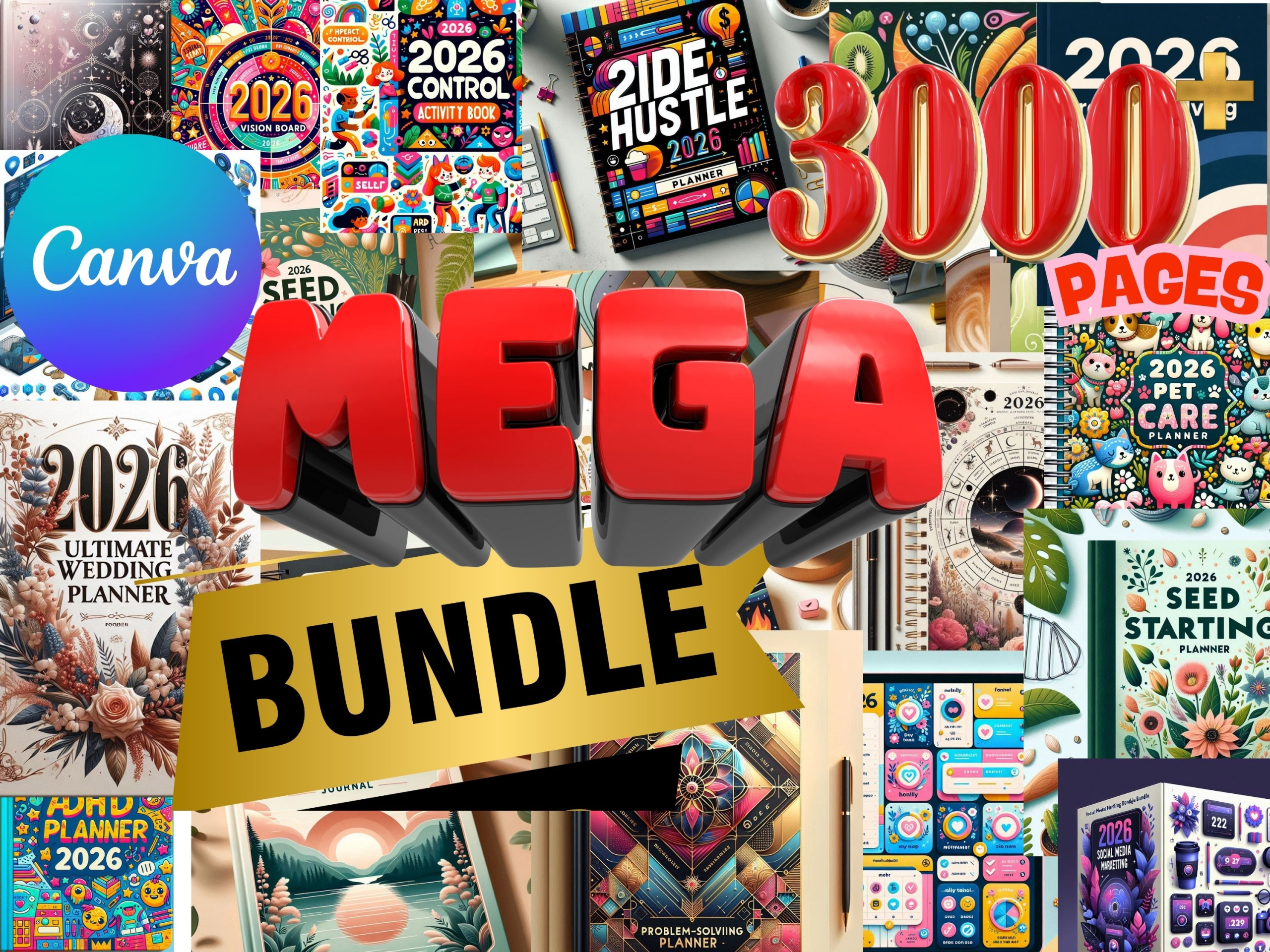
I bundle KDP interior designs — gratitude journal pages, habit trackers, and simple lined notebook pages — and sell them both as printable Etsy digital downloads and as the source files behind my published Amazon low-content books, effectively doubling the value of a single design session.
How to create it for free
–Design interior pages in Canva at standard KDP trim sizes (6×9 inches is the most popular)
–Keep interiors simple and repeatable — a single page design duplicated with page numbers is a full book
–Bundle 3-5 related interior styles together as one Etsy listing for a higher perceived value
–Offer both a printable PDF version for Etsy and a KDP-ready file for Amazon self-publishing
See KDP bundles in EditsPrintables →
Quick Reference — Price Range and Effort by Product 📊
Digital Planners
$8 – $25
2-6 hours
Printable Wall Art
$3 – $12
30-60 min
Canva Templates
$5 – $20
1-3 hours
Tumbler Wraps
$2 – $8
30-45 min
KDP Bundles
$4 – $15
2-4 hours
💡 The mistake most new sellers make: Trying to launch all five categories in the same week. Every product on this list was built one at a time in my own shop, over months, with each new category added only once the previous one had a handful of sales and reviews. Pick the one category from this list that excites you the most, make 5-8 strong listings in that category first, and let Etsy’s search algorithm start favouring your shop before you branch out further.
🛍️ Ready to See It All in Action?
Every Product in This Guide
Is Live in My Shop Right Now
Wedding planners, printable wall art, Canva templates, tumbler wraps, and KDP bundles — see real listings, real pricing, and real design execution for every category covered in this post.
📊 42-tab wedding planner
🖼️ Printable wall art sets
🎨 Editable Canva templates
🥤 Seasonal tumbler wraps
🛍️ Shop EditsPrintables on Etsy →
“You do not need to be the most talented designer on Etsy. You need to pick one product category, make it genuinely useful, and let it sell while you sleep — that is the entire business model.”
🎨 The Design Setup That Makes Digital Products Faster — Shop Amazon
🖨️
Home Printer — For Testing Every Printable
You must test-print every printable, planner page, and tumbler wrap before listing it — colours, sizing, and print quality always look slightly different on screen versus paper. A reliable home printer with good colour accuracy is non-negotiable for a serious Etsy digital product shop.
🛒 Shop on Amazon →
🎨
Canva Pro Subscription Card
Every product in this guide can be made on Canva’s free plan — but Canva Pro unlocks premium templates, the background remover, and brand kit tools that speed up your design workflow significantly once you are creating products regularly.
🛒 Shop on Amazon →
💻
iPad with Apple Pencil — For Design On the Go
Designing planners and wall art directly on an iPad with Apple Pencil is dramatically faster and more intuitive than a mouse-based laptop workflow — especially for hand-drawn elements, quick sketches, and reviewing designs while away from your desk.
🛒 Shop on Amazon →
💼 More Digital Income Content on Opulence Source
🖨️ Print on Demand · Printify · Side Hustle
How to Start a Print-on-Demand Business With Printify in 2026 — Complete Beginner’s Guide 🖨️🚀
Digital products and print-on-demand pair perfectly — one gives you instant downloads, the other gives you physical products with zero inventory. The complete step-by-step Printify guide.
Read the Printify Beginner’s Guide on Opulence Source →
🎵 Digital Income · Faceless Content · Creator Tools
I Started a Faceless YouTube Music Channel With Zero Followers — Here Is Exactly What I Did in Week One 🎵✨
Building multiple income streams simultaneously — the transparent breakdown of launching Gold Hour Music entirely from scratch alongside my Etsy shop.
Read the Faceless YouTube Channel Guide on Opulence Source →
📈 Options Trading · Beginners · Free Tools
Options Trading for Beginners — The 7 Things I Wish Someone Had Told Me Before I Started on Webull
Diversifying beyond product sales into trading — the honest lessons learned and the free tools that make it easier for anyone building multiple income streams.
Read the Options Trading for Beginners Guide on Opulence Source →
🛍️ Which Digital Product Are You Starting With?
Drop it in the comments — planners, wall art, Canva templates, tumbler wraps, or KDP bundles? And if you already sell digital products on Etsy, share what has worked best for your shop. Share this guide with anyone you know who keeps saying they want to start an Etsy shop but never takes the first step. 💻🛍️
#EtsyShop#DigitalProducts#EtsySeller#SideHustle2026#PassiveIncome#CanvaTemplates#PrintablePlanner#EtsyDigitalDownloads#CreatorEconomy#StartAnEtsyShop
⚠️ Affiliate Disclosure: This post links to my own Etsy shop, EditsPrintables (etsy.com/shop/EditsPrintables). This post also contains Amazon affiliate links using affiliate ID 4situations-20. As an Amazon Influencer I may earn a small commission on qualifying purchases at no extra cost to you. All opinions and product examples in this post are based on my genuine personal experience running my own Etsy shop.